· Yogesh Mali · programming · 3 min read
NodeJS Streams Explained: A Detailed Walkthrough
A comprehensive guide to understanding and working with streams in Node.js for efficient data processing.
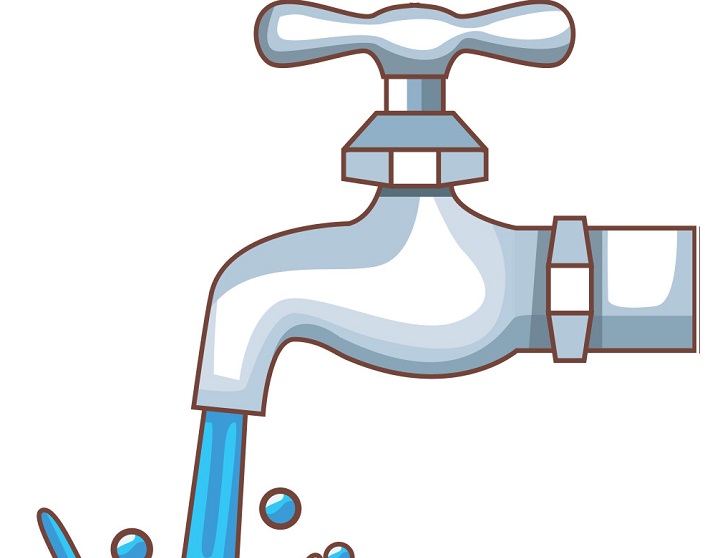
Node.js streams are a powerful feature for handling data in chunks, making them ideal for processing large files or real-time data without consuming excessive memory.
Contents
- Introduction
- What are Streams?
- Types of Streams
- Readable Streams
- Writable Streams
- Transform Streams
- Duplex Streams
- Piping Streams
- Error Handling
- Practical Examples
- Conclusion
Introduction
Streams are one of the fundamental concepts in Node.js. They provide an efficient way to handle reading and writing data, especially when dealing with large amounts of data or data that comes in chunks over time.
What are Streams?
Streams are objects that let you read data from a source or write data to a destination in a continuous manner. Instead of loading all data into memory at once, streams allow you to process data piece by piece, which is much more memory-efficient.
Types of Streams
Node.js provides four fundamental stream types:
- Readable - streams from which data can be read
- Writable - streams to which data can be written
- Duplex - streams that are both Readable and Writable
- Transform - Duplex streams that can modify or transform the data
Readable Streams
Readable streams allow you to read data from a source. Examples include reading from a file, HTTP responses, or stdin.
const fs = require('fs');

const readableStream = fs.createReadStream('large-file.txt', {
  encoding: 'utf8',
  highWaterMark: 16 * 1024 // 16KB chunks
});

readableStream.on('data', (chunk) => {
  console.log('Received chunk:', chunk.length);
});

readableStream.on('end', () => {
  console.log('Stream finished');
});

readableStream.on('error', (error) => {
  console.error('Stream error:', error);
});
Writable Streams
Writable streams allow you to write data to a destination. Examples include writing to a file, HTTP requests, or stdout.
const fs = require('fs');

const writableStream = fs.createWriteStream('output.txt');

writableStream.write('First chunk\n');
writableStream.write('Second chunk\n');
writableStream.end('Final chunk\n');

writableStream.on('finish', () => {
  console.log('Write completed');
});
Transform Streams
Transform streams are duplex streams that can modify or transform data as it is read and written.
const { Transform } = require('stream');

const upperCaseTransform = new Transform({
  transform(chunk, encoding, callback) {
    this.push(chunk.toString().toUpperCase());
    callback();
  }
});

process.stdin
  .pipe(upperCaseTransform)
  .pipe(process.stdout);
Duplex Streams
Duplex streams implement both readable and writable interfaces. The most common example is a TCP socket.
Piping Streams
One of the most powerful features of streams is the ability to pipe them together, creating a chain of data processing.
const fs = require('fs');
const zlib = require('zlib');

fs.createReadStream('input.txt')
  .pipe(zlib.createGzip())
  .pipe(fs.createWriteStream('input.txt.gz'))
  .on('finish', () => {
    console.log('File compressed');
  });
Error Handling
Proper error handling is crucial when working with streams:
const fs = require('fs');

const stream = fs.createReadStream('file.txt');

stream.on('error', (error) => {
  console.error('Error reading file:', error);
});

stream.on('data', (chunk) => {
  // Process chunk
});
Practical Examples
Example 1: Processing Large CSV Files
const fs = require('fs');
const csv = require('csv-parser');

fs.createReadStream('large-data.csv')
  .pipe(csv())
  .on('data', (row) => {
    // Process each row
    console.log(row);
  })
  .on('end', () => {
    console.log('CSV processing complete');
  });
Example 2: HTTP Response Streaming
const http = require('http');
const fs = require('fs');

http.createServer((req, res) => {
  const stream = fs.createReadStream('large-video.mp4');
  stream.pipe(res);
}).listen(3000);
Conclusion
Streams are a powerful feature in Node.js that enable efficient data processing. By understanding and properly utilizing streams, you can build applications that handle large amounts of data with minimal memory overhead. Whether you’re processing files, handling HTTP requests, or transforming data, streams provide an elegant and performant solution.